3D Analyze alternatives
3D Analyze is an advanced tool that serves as a software substitute for 3D games so that you can continue playing them. It is a useful tool that makes it easy for you to play all the latest games on older hardware without having to worry about replacing the components with newer ones. It uses the power of the old GPU to run all the newly released games in the market. You can enjoy the latest titles in high textures thanks to its capability of working as a DirectX emulator.
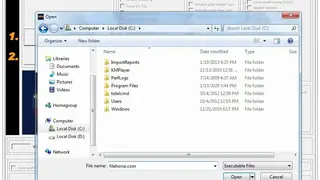
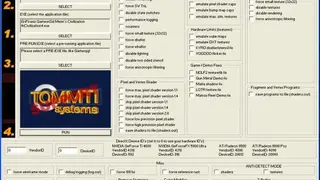
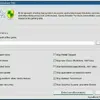
What it does is fool the game into thinking that you are running new drivers. It can be used by anyone with a PC and is easy to set up, requiring the gamer to add the game, create a compatibility profile by selecting/deselecting various options and enjoy the game. 3D Analyze works with both integrated and dedicated graphics cards and creates a situation to help you enjoy the game without worry.
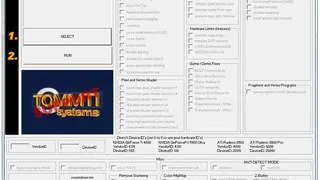
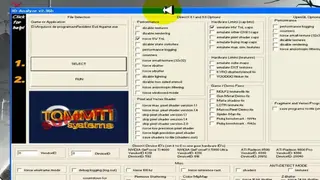
It comes with various settings that can be enabled and disabled at will. The customizable options include enabling/disabling, emulating several settings, zbuffer, state switches, anisotropic filtering, rendering, small textures, 16-bit or 24-bit zbuffers, and many more. It also gives you the ability to emulate bump map caps, DX8.1 caps, cube maps, max sim textures, and more.