3DBrowser alternatives
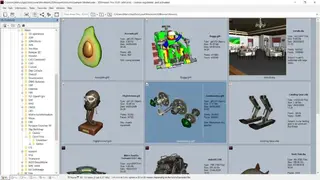
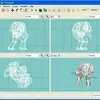
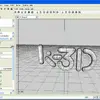
3DBrowser allows you to manage and optimize your 3D content and is ab effective solution that comes with many tools to help you in your journey. One such tool is the 3D view, which is an image viewer paired with a robust file explorer. It is highly efficient and agile and can be easily integrated into diverse production pipelines like 3D printing, architecture, scientific data, video games, and more. Thanks to its speed and effectiveness, the end-user can organize their 3D model libraries by leveraging big customizable preview thumbnails.
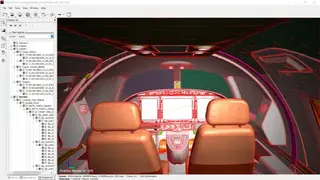
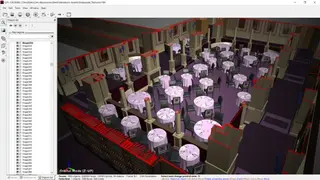
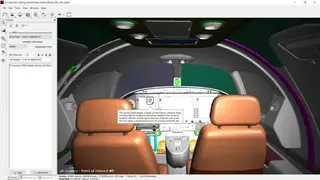
You can organize, display, sort, and filter between the 3D scenes and images to locate the correct model within seconds. Large 3D collections can be organized without much effort via several options such as categorizing, documenting, annotating, and more. The application enables interoperability among a range of 3D software. It manages to synchronize into a production pipeline such as Unity, 3ds Max, Sketchup, or Maya. 3D content can be shared by exporting it into different formats, and you can also simplify the polygonal meshes and use batch processing.
The supported image and 3D formats include Lxo, Lwo, Lws, Fbx, Skp, Xsi, Blender, Obj, C4d, Stl, Wrl, cob, Kmz, and Vrml. Besides these features, you can view textures and images using the image viewer. Many operations can be performed on images like Printing, Crop and resize, Color Adjustment, Export in various formats, Liquid Rescale, deformations, and Rotation to rectify the horizontal axis of the image. Other characteristics include Efficiently exploring the 3D digital library, Organizing the 3D content, and Automating your 3D production chain.