Account Delete for social application alternatives
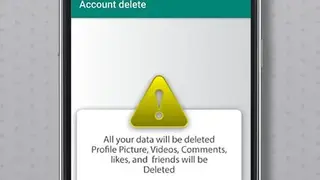
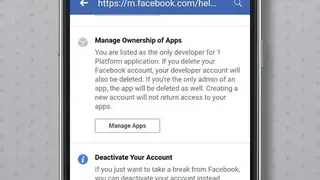
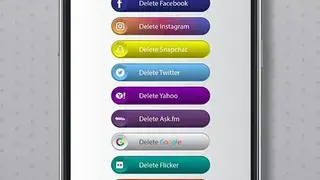
Account Delete for social application helps you take a break from social media and guide you through the steps for deleting your social media accounts. The app includes Facebook, Twitter, Instagram, and Snapchat deletion processes. Creating the account is easy, but the websites doesn’t want you to delete the account and make the process nightmare. Account Delete for the social application comes in handy at that time. It shows a list of steps you can follow to delete the account easily. Additionally, it also includes a link for redirecting you to the actual delete account page, which is more convenient.
For example, if you want to delete a Twitter account, just click on the Delete Twitter button in the app and it will take you to the delete link. Enter your Twitter email and password, then click on deactivate account button, and it’s done.