Audio Converter (MP3, AAC, WMA, OPUS) alternatives
Audio Converter (MP3, AAC, WMA, OPUS) is an easy-to-use mobile application that lets you convert and cut audio files. You can insert any audio file and convert it into any format and cut music tracks to fetch selective clips for use or sharing them with others. It is an effective tool that makes it easy to create ringtones and convert files into OPUS, WMA, MP3, AAC, M4A, and many other formats. The newly generated file can be used within other files or shown to friends on any social media platform like WhatsApp, Sound cloud, Facebook, and more.
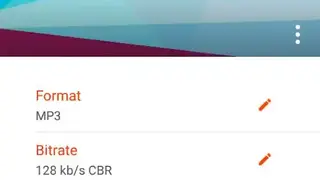
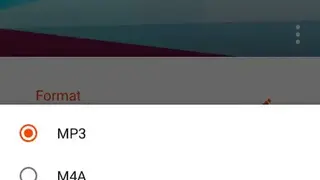
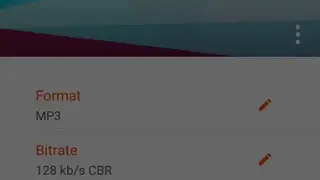
The application doesn’t charge any fee and lets you convert without restriction or limitations. Insert the file, select a format, and it will generate the output file within seconds. It can detect files with several formats, including AMR, MP3, OGG, AAC, WMA, FLAC, OPUS, and output them to these and more without problems. There is no duration limit, and you make extensive changes to audio settings such as channel, bitrate, and frequency. Multiple audio bitrates are supported by the application including 320 kb/s, 128 kb/s, 256 kb/s, 160 kb/s, and 192 kb/s.
Before conversion, you can amplify audio and modify the speed. It can be used to edit music tags like Album, Title, and Artist. Share the creations with friends or upload the song to cloud services like Soundcloud, Google Drive, and Dropbox. Apart from all these features for Audio Converter, the built-in audio trimmer also offers several functionalities. It supports a massive number of audio formats like OPUS, M03, OCC and is highly efficient. You can perform the necessary action and save the output file as Ringtone, Music, Notification, or Alarm. Make the audio the default notification sound or the primary ringtone of the device.