Backup Contact To XLSX ( Import Export Contacts) alternatives
Backup Contact To XLSX ( Import Export Contacts) app enables users to share their phone numbers between all their available handheld devices by exporting contacts in a backup file in the XLXS file format. You can import and export a large number of phone numbers using a single backup file.
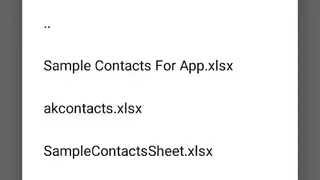
The app comes up with features to help users in accessing the import section from the home screen to view all the available contact files and can tap on a file to send contacts to the phone’s storage.
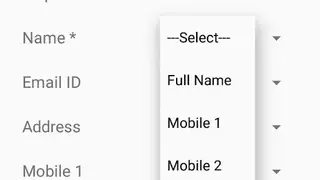
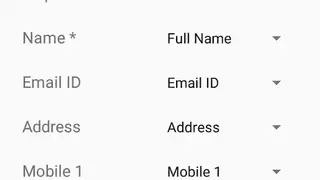
Users can add a new contact to the phone book by entering the name, email id, address, phone number, mobile number, etc. Backup Contact To XLSX ( Import Export Contacts) app allows you to tap on the import button to send contacts to the sim storage, and it shows the progress at the top of the screen with the total number of available contacts.