BatApps alternatives
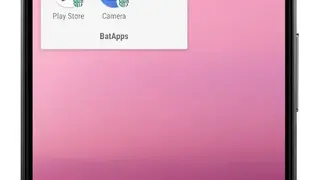
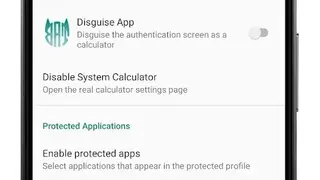
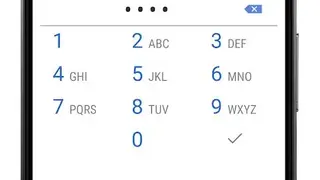
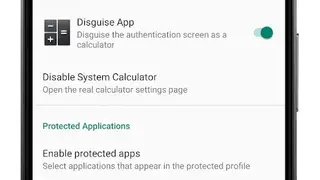
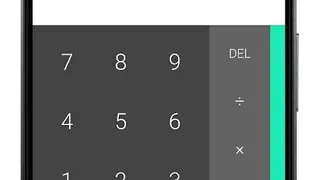
BatApps makes a secondary account on your device to safeguard sensitive information by revealing and concealing apps used on that profile. It first asks for permission to be assigned the role of “Device Administrator” for properly executing its functions. You have the option to enable the BatApps PIN screen and to have it act as a calculator and show the installed apps only when the secondary account’s password is written in the calculator. There is also a setting that allows BatApps to conceal the apps for a specified duration or when your mobile is in lock screen mode.
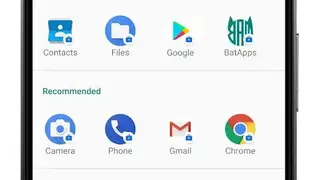
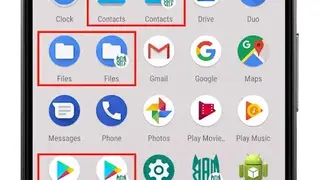
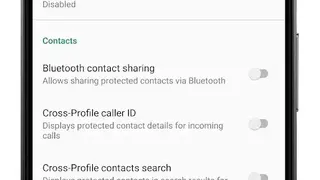
The top feature of BatApps is that it enables you to create a separate account for the safekeeping of personal data like pictures, contacts, and applications. Furthermore, the account has its Play Store activated, making it easy to install applications on the additional profile.
Another prominent feature is that the app doesn’t require any confidential data such as email address or phone number for providing services, and it doesn’t record or share information with its servers.