Home Online Services Photos & Graphics Tool

Birme alternatives
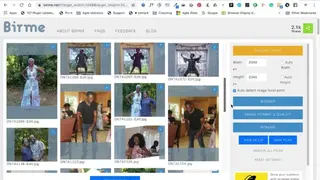
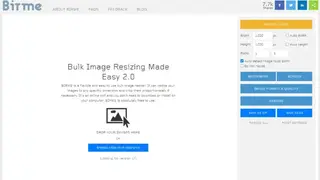
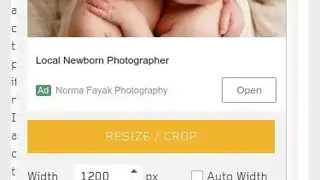
Birme is an online tool that allows you to resize your image according to your need. It has a bunch of customization options, like changing the height and length of the photo measured in pixels. There is a ratio lock option that maintains the image ratio as you change the pixels from one axis. Additionally, there is an option to change the ratio with your own values. You do not need to install any software, as it operates like a run and gun tool. Just drag and drop the image, choose the resolution, select the crop ratio, and you are good to go. If you only want to change the proportion of the image without resizing, there is a dedicated option for this.
Another notable feature is the automatic focal point detection which analyzes the photo to give you an appropriate crop dimension and filter out the unnecessary r negative space in the photo composition. Bulk resizing is also available, which is a useful option. Besides cropping and resizing, you can also add a watermark, borders, rename the image, and change the output file format, i.e., either save it as the picture or as a ZIP file. All in all, Birme is a great on-the-go tool that you can use to resize any image or change its aspect ratio.