BlueScreenView alternatives
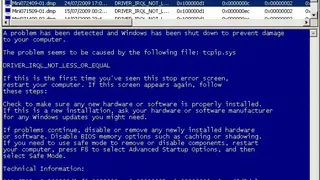
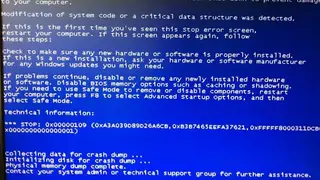
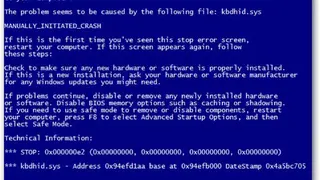
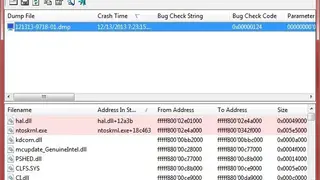
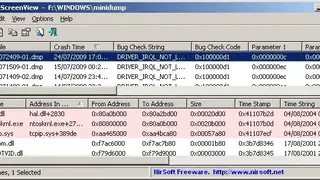
BlueScreenView is a best-in-class tool that automatically scans your current minidump folder and displays the list of all the crash dumps in one table in the form of date & time, bug check code, filename, product name, file description, and others. It displays crashes in two different panes; in the upper pane, you can view the details of the device drivers loaded during the crash. It automatically marks the drivers found in the crash stack, making you easily locate the suspected drivers that possibly caused the crash.
The main functions of this platform include find all drivers/modules that might be involved in the crash by displaying the memory addresses inside the stack, automatically locate the drivers that appeared in the crash dump, and extract their version resource information, including product name, file version, company, and file description and more. Through its crashes information columns, you can visualize the bug check code in another window.