BVCAM alternatives
BVCAM app connects all your home and office security cameras with a single network to view the live video feed to watch what is happening on the other side of the camera. You can tap on the recording button to save the live video feed in the gallery and watch it later.
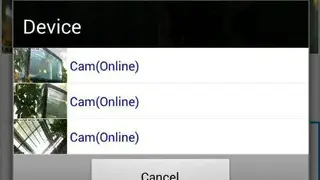
BVCAM app comes up with user-friendly buttons to enable users to access the devices, galleries, live video feeds, search bar, filters, and support sections from the home screen.
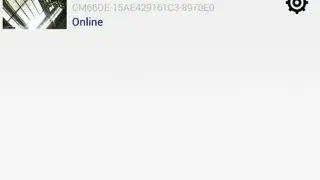
Users can tap on the plus on the icon to add a new camera to the list by connecting it with the same WiFi network. It shows details about all the cameras, such as name, current running status, and the name of the location. You can listen to sounds in the live video feed by using the built-in mic in the camera.