Home Entertainment Tool Video Players & Editors

channel PEAR alternatives
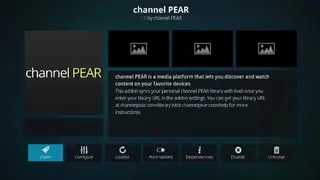
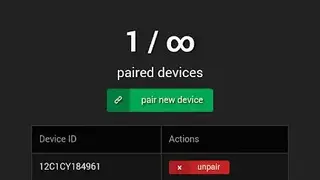
channel PEAR is a great solution that enables you to view video files, MRSS feeds, and IPTV streams using Roku. You can begin using it by installing the channel on your Roku, and once that’s done, proceed to create a free account at the official website of channel pear. After completion of this process, you can link the newly created PEAR account with ROKU and add the content to the media library without any restrictions.
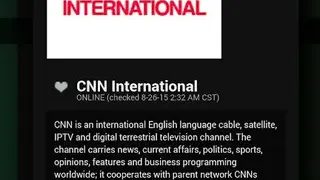
The requirement for manually adding a feed is knowing its URL. It supports multiple file types such as M3U, MKV(H.264), M4V(H.264), MP4(H.264), MOV(H.264), and many more. The website offers various pre-installed sources for your facilitation, and these include ABC News, TLC, Travel Channel, CNN, Animal Planet, and more. The end-user is given the flexibility in this case and can add either a pre-installed or custom source via the website, close, and reopen the Roku channel. This process results in the feed appearing on the main menu. One thing to mention is the pre-installed sources may not be the same as the content delivered on cable.