CheVolume alternatives
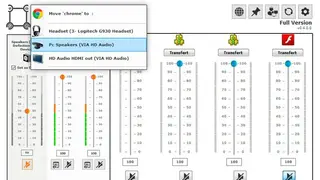
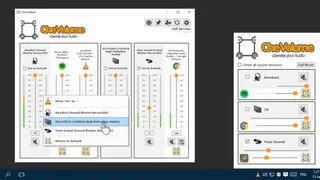
CheVolume is a software offering you the means of outputting various audio applications through a specific set of speakers, headphones, or other similar devices. You can assign an audio application to a certain sound channel on your computer and set the level of that channel accordingly. After you install it on your computer, enable the plugin in Windows Sound settings or through the device manager, depending on which one you have installed.
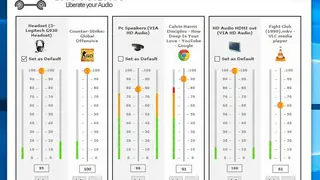
Once activated, CheVolume will display all your opened audio streams grouped into three categories; Inputs, Outputs, and Devices. The columns allow for filtering by name or level of volume/mute status. The main window displays a list of all the applications that are both enabled and scheduled to be outputted. A scheduled application can be set to a certain channel or can be excluded from a specific channel. What’s more, you can make any application output sound via your PC’s default audio device instead of through external speakers or headphones. All in all, CheVolume is a great tool that you can consider among its alternatives.