Circuit Simulator Applet alternatives
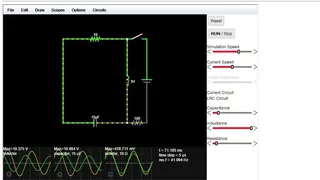
Circuit Simulator Applet is an online electronic circuit simulator that you can use for your projects without needing to install it on your computer. It can be accessed from any web browser from any device with a stable connection to the internet. Once it is launched, you will be able to see an animated schematic of a basic LRC circuit for demonstration purposes. It has a few colors that you need to be familiar with for proper usage.
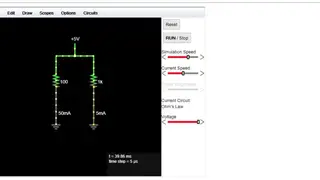
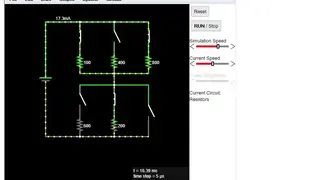
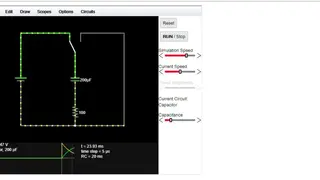
The green color signifies positive voltage, a gray color shows ground, the red color is for the negative voltage, and finally, non-static yellow dots indicate current. You can easily turn the switch on or off by simply clicking it. Just point the cursor over any component, and it will show a brief description of that component along with its state in the lower corner of the window. The component can also be easily modified by hovering the mouse over it, right-clicking, and selecting “Edit”. The online app provides a lot of sample circuits that can be checked by clicking on the “Circuits” menu.