CS Fire Monitor alternatives
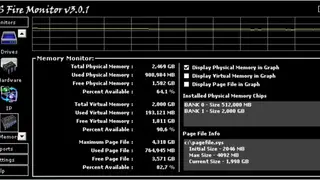
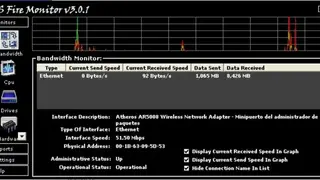
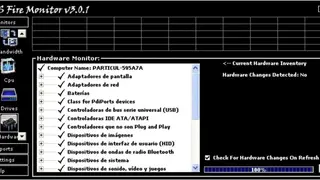
CS Fire Monitor is a user-friendly system monitoring application that keeps a keen eye on your computer’s behavior and aspects related to the hardware of your system. It is a software solution designed to monitor every part of your system, including CPU, disks, hardware, bandwidth, software, and network. The application is not only a full-featured system monitoring utility but also allows you to create complete reports on all these tools, as well as graphs and detailed statistics. The interface may seem a little complicated at first glance, and it probably is, but it only takes a couple of minutes to figure out how to use the program. All functions are nicely organized in tabs, so you have Monitors, Reports, Settings, and Help.
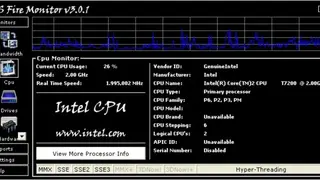
The Monitors section provides an impressive number of subcategories including Bandwidth, CPU, Disks, Hardware, IP, Memory, NetStats, Processes, Services, Software, Tasks, and Templates. Each one contains a ton of parts, so when clicking on a CPU, it displays the manufacturer ID, CPU name, type, family, model, brand, stepping and serial number, current speed, and real-time speed. Reports can be created by category using a dedicated tool to automatically save them in any of the four available formats that are HTML, TXT, ASC, and CSV.