Home Backup & Sync OS & Utilities

DriverBackup alternatives
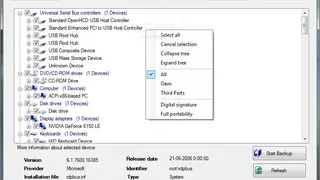
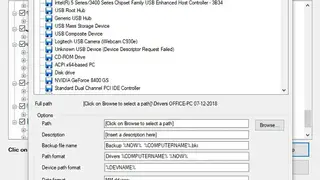
DriverBackup is a best-in-class user-friendly tool that allows you to automatically backup, restore, and remove having various options like restoration, command-line options, and path formatting. It allows you to keep your drivers always up to date with driver backup. Driverbackup is based on an open-source application built to help computer users keep their drivers up-to-date. It uses a package manager to download the latest version for all your drivers.
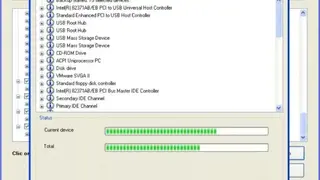
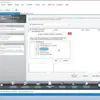
Driver Backup allows you to make backups of your drivers automatically, so when you install a new device, you can go to the Driver Backup folder and select the driver you previously backed up. On the main window, you can see the information on the backup file about things like description, computer name, computer OS, creation date, and DriverBackup.
If you have just reinstalled Windows and cannot find drivers for all of your hardware, then simply search through your backup folder containing all of your drivers. Restore option, 64-bit support, and unknown device recognition, no requirement for installation, and command-line switches are some of its main highlights.