DVD Slideshow GUI alternatives
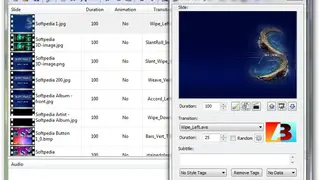
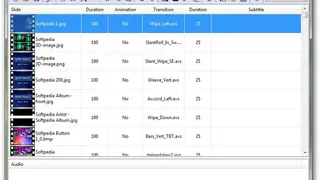
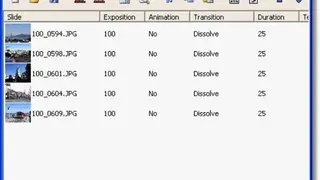
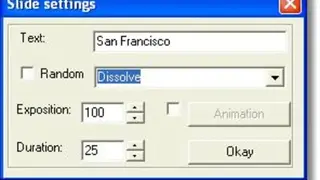
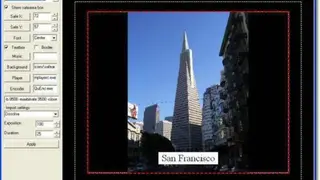
DVD Slideshow GUI is an application that allows you to create slideshows in a few easy steps. The user interface of the program is straightforward. You can add audio, video, and image files to the list using the file browser. This way, you can view the duration of the animation and transition for each slide, as well as the subtitle and path to the audio file. You can double-click each file to enter subtitles, select style tags, transitions, and durations (for subtitles and transitions), use EXIF data from images as subtitles, animate all selected slides, convert slides to AviSynth script for editing, and more other.
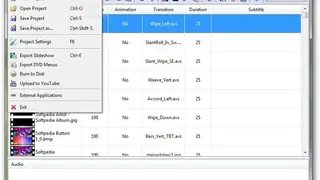
In addition, the platform allows you to use the pan, zoom and rotate tool, edit files in Paint, match all slideshows to the length of the imported music, and change the font used in all subtitles. In addition, you will be able to change the view mode when it comes to thumbnail size, choose your preferred language, save projects for further editing, adjust project settings (e.g. pixel aspect ratio, effects, subtitles), render and upload to YouTube, export DVD Menus and slideshows (like MPG, AVI, FLV, BMP) and more.