Home Home & Family Parenting Tool

Family Safety App alternatives
Microsoft Family Safety App enables families worldwide to encourage and maintain healthy habits and care for loved ones with physical and digital safety. You can stay relaxed by knowing that the app has got your back by keeping tabs on all the family members. Give your kids the opportunity to explore safely by creating a dedicated space for them. Configure parental controls to restrict inappropriate apps and games and add kid-friendly websites on the Microsoft Edge Web Browser.
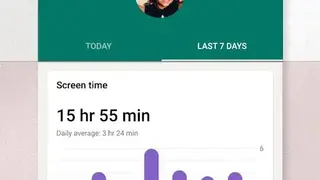
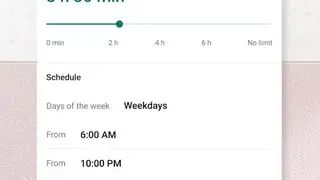
Enable kids to adopt a balanced screen time approach. Establish limits for particular games and apps on Windows, Android, or Xbox. You can also use device management to modify screen time limits which will then be implemented across devices on Windows and Xbox. Learn more about the family’s digital activity by setting activity monitors. Regularly check your little one’s activity in the weekly email, and use it as a means for starting a healthy conversation regarding online activity.
Stay connected offline by utilizing location sharing and use the family tracker to stay updated about your family location and share with them your location. It also lets the end-user save the common locations such as work and school. Other features include Drive history to get access to driving events along the route, Driving history to check the acceleration, top speed, phone usage, and hard braking, locate family members easily using the GPS location tracker, Location sharing while outside or on the road, and block apps and games that are inappropriate for kids.