XYplorer is a File manager that makes it easy for you to manage multiple files on Microsoft Windows 10, 8, 7, XP, and Vista. It is a multilingual tool and supports Korean, English, French, Japanese, German, and more languages. It extends the functionality of Windows Explorer by adding tabbed browsing to help you navigate multiple folders simultaneously. Usually, you have to open several Explorer windows to work with different files as there is no other option. XYplorer changes these by enabling you to open folders in tabs, saving time and energy.
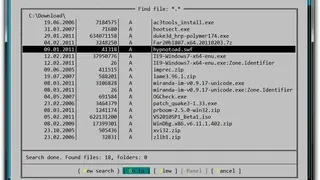
It includes a file search feature that can quickly find the desired item. The UI is fully customizable and gives multiple settings that you can change freely. It also offers an effective way to complete recurring tasks on time. The tool is portable and can be used straight from the go, and thus there is no need for manual installation. Furthermore, it saves all the settings in the application folder and doesn’t modify the Windows Registry in any way.
XYplorer offers Tabs so that Windows administrators can easily navigate between several folders. There are multiple actions that you can perform on tabs, such as dragging, locking, renaming, and making them disappear. You can tweak the UI in various ways, like changing the fonts, colors, buttons, and file associations.