File Converter alternatives
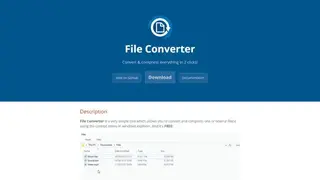
File Converter is an open-source and online conversion tool released in 2014. It allows the user to convert and compress one or several types of files using the context menu in Windows Explorer. He can install its software on the computer and can customize the application too. If a user faces any problem with File Converter, the feature of troubleshooting is also available.
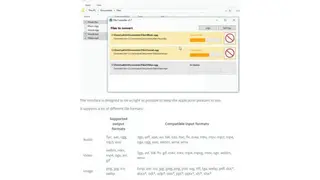
File Converter provides an easy way of conversion, the user needs to select the file, hit the right-click button of the mouse, and click the File Converter; it will further open some options of format, and he can choose the form to convert the file. After the completion of the conversion, the bar will turn into green.
With s user-friendly interface of File Converter, the user can adjust the quality of audio and video files. It supports a lot of different output and input formats of audio, video, image, and document files. Some of the forms include MP4, WEBM, and MPEG, etc.