Narrator’s Voice Text-to-Speech (TTS) alternatives
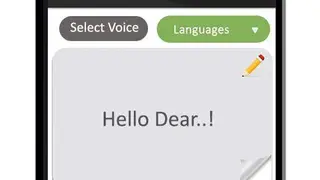
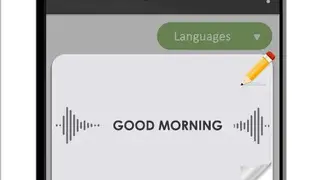
Narrator’s Voice Text-to-Speech (TTS) app enables users to write the text by tapping on the pencil icon as well as by tapping on the speaker icon to speak in the phone’s mic to convert it into the audio format from mp3 format or vice versa.
The app comes up with an easy-to-use interface that contains buttons to help users in adding a new file, speak, save the file, play the existing file, and convert the file, etc. You can access the settings menu to change attributes of the Voice, including volume of the speech, pitch of the speech, and the speed of the speech.
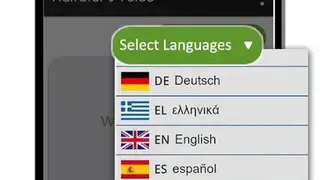
Narrator’s Voice Text-to-Speech (TTS) app offers features that let you tap on the play button to listen to the recently converted audio file. Users can change the accent and voice of the narrator from the voice section.