Onenote Web Clipper alternatives
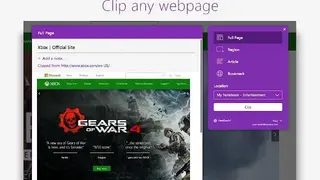
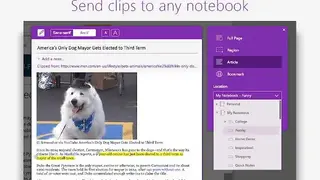
Onenote Web Clipper is a browser extension that allows you to capture any content on the screen to your storage. You can add the Onenote Web Clipper to your web browser so you can save, annotate, and organize anything from the web. It lets you reduce the clutter and clip only the article, recipe, or product information you really need. The clipped webpages can be accessed from anywhere, including computer, phone, tablet, and even if you are online, the pre-loaded data is still there.
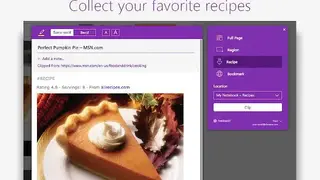
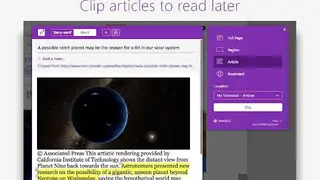
You can screenshot images, visual bookmarks, PDFs, and videos. It lets you highlight text, add notes before the clip, and adjust the fonts. You can click the Article, Recipe, or Product option if you want to save the current Web page to your notebook as editable text and images. When you select any of these options, you can use the buttons at the top of the preview window to highlight selected text, change between a serif and sans-serif font style, and increase or decrease the default text size. You can make the whole screen clip or screenshot the desired section of the window. Al in all, Onenote Web Clipper is a great tool if you want to frequently take important screenshots on a desktop.