OnPaste alternatives
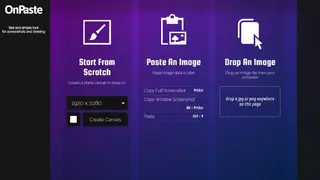
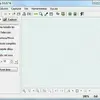
OnPaste is a simple and lightweight online tool for taking screenshots and edit that snap. You just need to open the website interface and start from scratch by selecting the resolution of the canvas you want to paste the screenshot on. The default canvas resolution ranges from 720×480 to 2048×2048, but you can make custom resolutions too. The colors can also be selected with a color picker and color code options available for quick selection. After creating the canvas, take the screenshot with the PrtScn button on the keyboard and paste it on canvas.
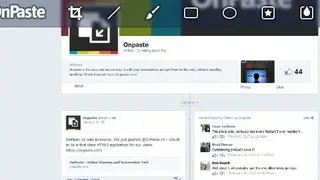
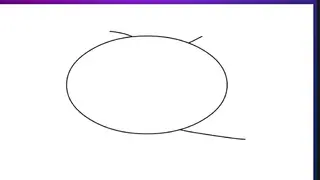
Other than that, you can drag and drop the already taken screenshot to the interface and edit it online. The images can be saved to Dropbox or make a direct link for downloading into storage and share with another person. Some editing tools include crop, brush, line, rectangle, circle, and other shapes. All in all, OnPaste is a flexible tool that doesn’t require any program installation for grabbing and editing the screenshot.