Home Office & Productivity Tool
PDF Studio alternatives
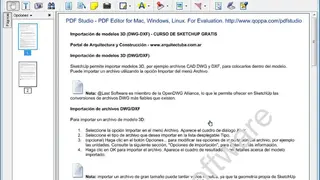
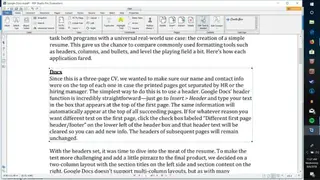
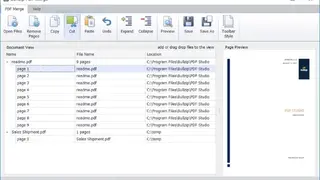
PDF Studio is an all-in-one PDF editor that provides all functions needed to create, edit, sign, print, and convert PDF files at a fraction of the cost of other software. Creating a PDF document is as simple as selecting one or more files in Windows Explorer and pressing the create button. The document can then be edited using any of the features, including inserting images, auto-remove pages, merging PDFs, changing the page size, adding headers and footers, etc. You can also choose from several page layouts, e.g., one column, two columns, three columns.
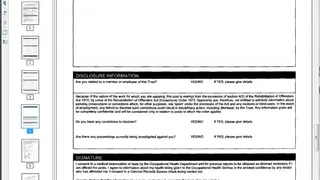
Printing a PDF document may be performed by using the built-in printer or by printing to any Windows printer. Printing may also be customized in many ways by editing the print settings of a PDF file, e.g., paper size, orientation, print quality, color, or monochrome mode. The software contains all the necessary tools to create and edit PDF files, including tools for photos, tables, forms, stamps, signatures, encryption, redaction, templates, and much more. All in all, PDF Studio is a great tool that you can consider among its alternatives.