Home Office & Productivity Tool

Programmer’s Notepad alternatives
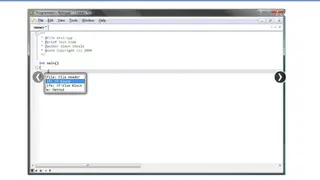
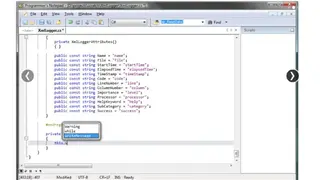
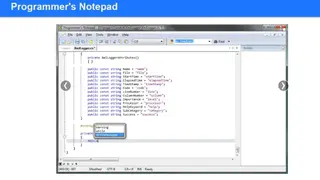
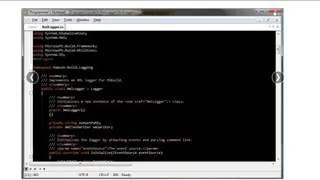
Programmer’s Notepad is an open-source editor for MS Windows that processes various programming languages from assembly to XML and many others. The easiest way to launch Programmer’s Notepad is to find the .pnproj file in the project’s directory, and the file is automatically generated by Spritely when you export your project. After double-clicking this file, it will load your project. The project source files are displayed in a window on the left side, and these are the files that are used to build your GBA project by editing these files. The clutter can be reduced by finding extra windows opened in the main bar and closing them.
For editing a source file, just double-click on the icon next to the filename to fill the entire workspace, press the “Maximize” button in the upper-right corner of the window. One of its nice features is that the users can build and run the GBA project easily without switching to another application. To build the project, select make from the tools menu and an “Output” window at the bottom of the workspace and automatically enter the make command for the clients.