Red – Dark Filters alternatives
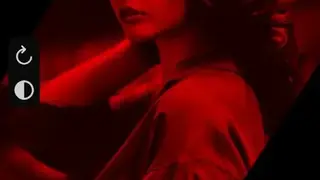
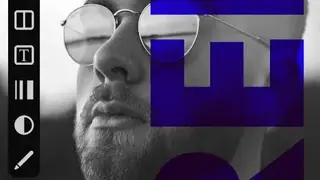
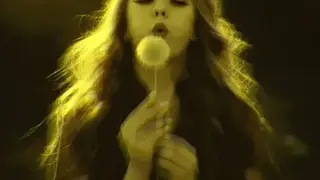
Red – Dark Filters app allows you to work with many dark filters to complete your photo editing job right at your fingertips. Users can edit a photo more creatively by changing the font’s outline to give a more glowing look to their words.
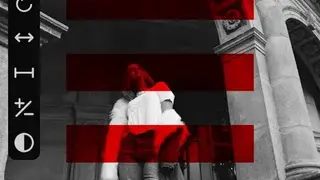
The red app comes up with features to help you tap on the star icon from the home screen to add a dark filter to the favorite section and apply it to your photos later. Users can erase colors from an image or can re-add the colors by using a soft brush.
You can rotate a photo to change the orientation from landscape mode to portrait mode or vice versa. Red – Dark Filters app lets users flip the photo in the vertical or the horizontal direction to look at things from a different angle to view more details.