Samsung Email alternatives
Samsung Email app enables users to receive, manage, and send all the important emails from as many email accounts as they want. You can tap on a mail to read it and can tap on the button to forward or delete it. Users can write new emails by selecting the receiver email, and they also send attachments such as documents and multimedia files through emails.
The app comes up with features to help you in scheduling the synchronization of the email of all accounts to upload data to the cloud server to backup it for later use. Users can also use secure email communication features to send emails to clients.
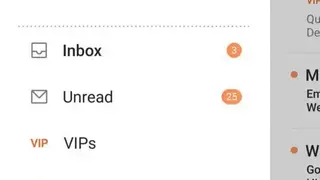
Samsung Email app offers features that let you read emails in conversation as well as in thread view according to your needs. Users can access the side panel to view inbox, unread, starred, send, all folders, and settings section.