Smart WiFi Selector alternatives
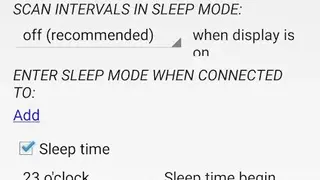
Smart WiFi Selector app provides features to allow users to connect their mobile phone with the strongest available WiFi network by scanning for all the nearby network. You can put the app on sleep mode to reduce battery consumption and can automatically wake up the app by turning on the screen.
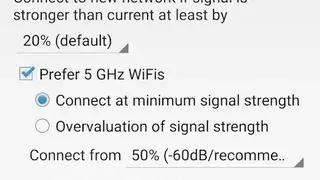
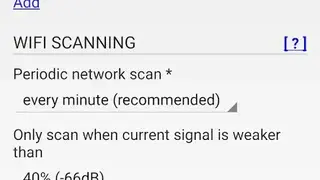
Smart WiFi Selector: Connecting to the strongest WiFi app lets users change the WiFi scan settings to run a scan as many times as possible and select the percentage of WiFi signals to scan for a new connection.
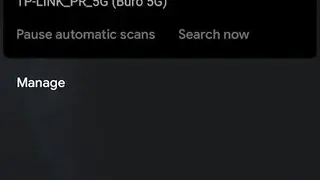
Users can manually search for a network or use the automatic scan results to connect to a new network. Smart WiFi Selector app comes up with features to enable you to view the name of the current WiFi network, type of connection, and results of all the automatic scans from the notification panel.