Home OS & Utilities System & Hardware
SpeedFan alternatives
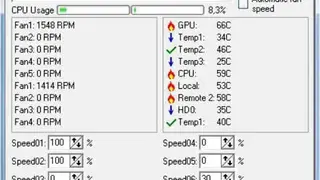
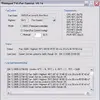
SpeedFan is a system monitor program for MS Windows used for reading temperatures, voltages, and fan speeds of computer components. The advantage of using SpeedFan is that it can change fan speeds, depending on the temperature of different parts.
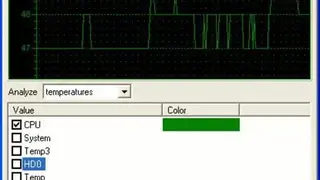
If you think that your system fan is making too much noise, then here is the solution for that in the shape of SpeedFan. SpeedFan works as software to monitor and analyze the voltages being used by the system components, proper temperatures of all system hardware parts, fan speed, and many other vital issues that are otherwise often overlooked by the users.
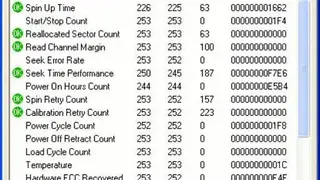
The best about SpeedFan is that it also operates to check the hard disk temperatures and maintain the excellent health of the hard disk. SpeedFan provides digital access to the users overall their hardware components; they can change fan speed according to the system’s temperature and thus minimize the noise.
When you install this application for the first time, it will automatically collaborate with the system’s digital sensors, by which it will monitor the activities of all components. The users can then set the parameter for low and high fan speed depending upon the situation.