
Touch Macro Pro – Auto Touch alternatives
Touch Macro Pro – Auto Touch app allows users to create a macro by generating consecutive touches and swipe actions on the desired part of the phone’s screen. You can run a side by side comparison between two different images and save a macro and use it later.
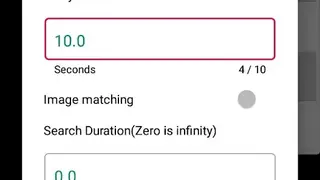
Touch Macro Pro – Auto Touch app lets users access the settings section from the home screen to add a delay between touches and can change the duration of the interval between two swipes. The batch processing features enable you to select more than one macro from the list to delete or edit them at the same time.
Users can create an on-screen widget to start the recording of gestures and swipes with a single tap, as well as can read the guide before starting the recorder. The built-in editor shows all the recently created macros and can copy a macro to send it through email or other social media platforms.








![Touch Recorder [Macro Clicker]](/img/touch-recorder-macro-clicker-188726-xs.webp)