Home Office & Productivity Tool
Virtual Online Graph Paper alternatives
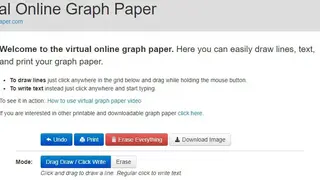
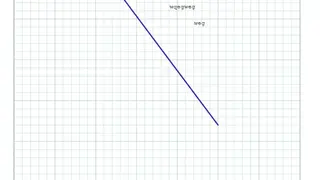
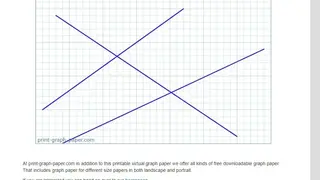
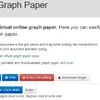
Virtual Online Graph Paper gives you the opportunity to draw lines, add text, and download or print the paper. You can draw lines by holding the left mouse button anywhere on the grid, and after that, you can drag the line as long as necessary. Write text on the paper by clicking once on the grid and typing in words. The website provides in-depth tutorial videos to teach everyone its working and functionality. It provides essential options like Undo, to remove the last change to the paper, and “Erase Everything” to clear each line and text from the grid. Once you are satisfied with the changes, click on the “Download Image” button to save it to the device or use the “Print” button to print it right away.