VNC Viewer alternatives
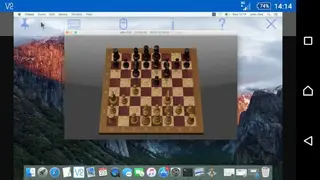
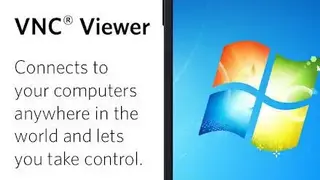
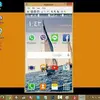
VNC Viewer app provides you access to a PC remotely from anywhere around the globe and turns your phone into a virtual desktop. To use it, you need to download software on your Pc and sign in to the app on your phone through account details.
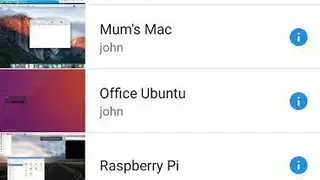
It automatically shows all PCs registered on your account, and you can tap on one to connect to it. You can also connect through enterprise subscriptions or by entering the IP address of your PC.
It comes up with a feature to help you protect your connection with a password and encrypts all sessions through end-to-end encryption. It enables you to use the smartphone’s screen as a trackpad to provide you with control of the desktop remotely.
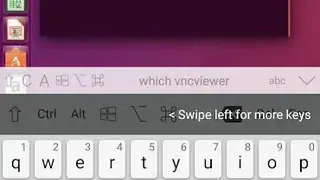
It supports Bluetooth keyboards and a mouse. VNC Viewer – Remote Desktop app allows you to move the cursor with the drag of your fingers, tap to left-click, and enjoy various other gestures to use mouse controls. VNC Viewer apps contain a scroll bar that includes commands and windows keys.