Voice Finger alternatives
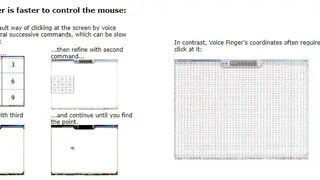
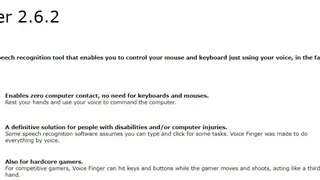
Voice Finger is a powerful tool that allows you to interact with the keyboard and mouse through your speech, making everything fast and easy. It has many benefits, like making way for zero computer contact and negating the need to rely on mouses and keyboards, and is the perfect choice for anyone that is bound by computer injuries or disabilities.
The solution can also be used by competitive gamers to gain an edge over other players by shooting and moving their characters at a faster speed. The tool gives you the full power of the keyboard, with mini commands to switch the hold, cursor, type, and hit buttons and keys. Windows speech recognition, which is the default technology, comes with many time-consuming commands such as “Press 1”, “Press down 30 times,” and “Press A”.
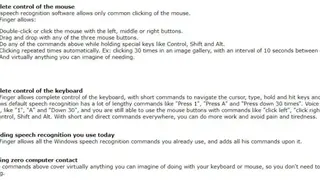
With the help of Voice Finger, you can avoid this time-taking hassle altogether by simply cutting down all commands to a shorter length, like “1”, “A,” and “Down 30”, while still having the ability to make use of the mouse buttons along with commands as “click left,” “click right”, and simultaneously press keys like and Alt, Control, and Shift.
By leveraging short and direct commands all the time, you can get more work done in no time at all and prevent pain and tiredness. Voice Finger works perfectly well with each and every Windows speech recognition commands you are familiar with and use daily and adds many other commands on top of it. All the commands above include basically anything you can imagine accomplishing via your keyboard or mouse, meaning you won’t have to keep alternating between talking, typing, and clicking.