Wireless Webcam for PC alternatives
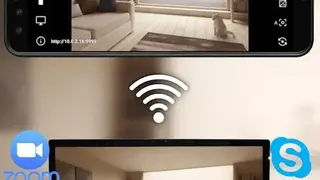
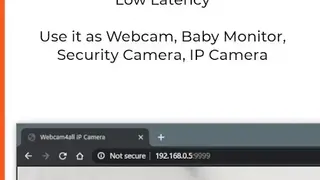
Wireless Webcam for PC allows you to experience High definition (1080p) video calls and meetings on your device. If a connection is disturbed, it will be fully restored without relaunching the application. To start using the app, first, download and install SplitCam on your Windows or macOS machine and follow the displayed URL.
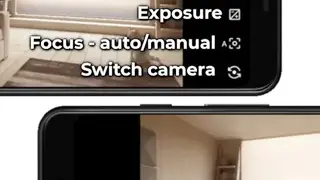
Once all the steps have been properly executed, choose “SplitCam Video Driver” as the video source in any videotelephony app like Zoom and Skype. For the app to function, both the PC and mobile phone needs to be connected to the exact same network. Wireless Webcam for PC offers several features, including Toggle preview, Autofocus, Zoom, Adjusting exposure, Grid, and more.