Xpadder alternatives
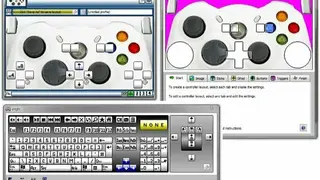
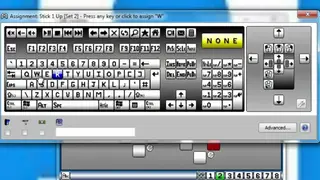
Xpadder simulates the keyboard and mouse using a gamepad. It is specially designed for hardcore game lovers and allows controls to emulate keyboard and mouse while saving configurations for different consoles and preferred video games. It is an all-in-one solution that allows you to simulate the keyboard and mouse in almost any game while enabling you to customize the functionality of the console entirely.
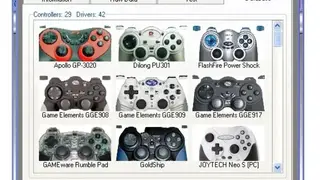
The best fact about this solution is that it doesn’t need installation and leaves no traces in your PC registry when you add it for the first time the solution prompts you to choose the folder for saving the profile and place the shortcut on the desktop for easy access. The software can read a decent amount of controllers and assign the most popular key combinations and mouse gestures. Xpadder introduces a turbo mode and can configure no less than eight sets of controls in each profile.
It automatically detects when you link a controller. Once the connection is established, the configuration is at your fingertips. With this, you can save unlimited profiles for each of your games that make it more enjoyable. Xpadder is also has a range of prominent features that are uniquely designed for gamers.