Ynote Classic alternatives
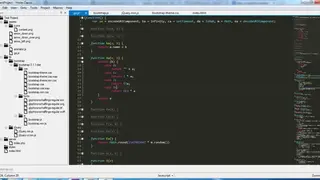
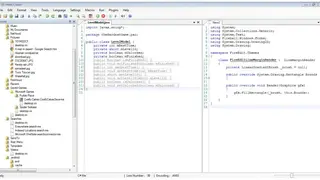
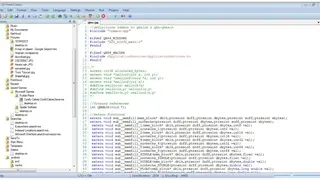
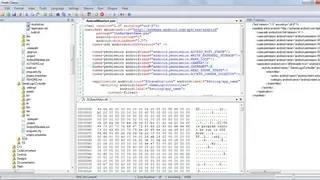
Ynote Classic is a versatile, easy-to-use, and open-source editing tool for text and source code. It can solve a variety of tasks – from writing to programming. It makes editing easier and more convenient with powerful editing operations, syntax highlighting, code folding, indentation, autocomplete, and plugins. It can create and edit text files. If you open the file, it will open in the extension language. For example, if the extension is .vb for a Visual Basic file, the platform will automatically change the language to Visual Basic. You can also change the language manually. The program has line numbers with the find/replace/jump functions. It can also undo/redo the texts. It can also collapse codes as well as syntax highlighting in a text editor. The platform is pluggable and has the ability to spell check with a good calculator.
The salient features of the Ynote Classic include Multiple Cursors, Column Selection, Syntax Highlighting, Code Folding, Automatic Indentation, Support for more than 40 languages with user-defined language support, Powerful Search (with regex support), Commander and Powerful Key Bindings to perform quick tasks while staying on the keyboard, Minimap / Document Map and Ruler, Navigation history, Function / Symbol List, Code Snippets and Macros to ease your tasks, Automatic Encoding Detection with all codepages, WYSIWYG Printing, Split Screen, Full Screen, and Distraction-Free Editing, MDI (Multiple Document Interface ) and SDI ( Single Document Interface ) with Dockable Windows, Extensible with Plugins, Color Schemes, Syntax Files, Scripts, and much more.