Carnac alternatives
This utility is used for the visual display of any key you press on your keyboard. A typical use of this tool is to help in screencast recording and other such scenarios. It’s fairly easy to set up and use how To: You can add a layer to start displaying key presses by following these steps. Carnac is used by people who use screen recording software to do tutorials, explain complex things, and even streamers who live-stream their video game sessions where there is a high demand for interactivity.
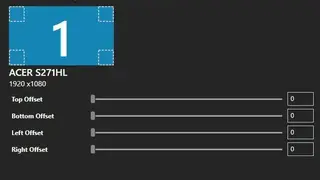
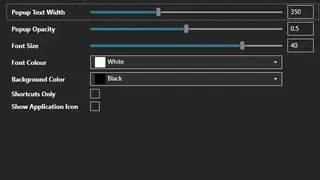
Carnac visually displays the keys as they are pressed next to the mouse cursor so that the final video can be easily shared with others. Its key features are special display keys, adjust opacity, high dpi screens working capability, text position, multiple orientations, visual indicated pressed buttons, and more to add.