Home Office & Productivity Online Services

Converter365 Convert PPT to MP4 alternatives
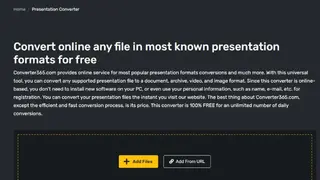
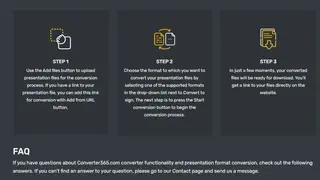
Converter365 is an online freeware converter tool that enables you to convert PPT to MP4 with great ease. You can begin by dragging and dropping the PowerPoint file into the converter or clicking on the add files button. It also gives an option to add a link to the presentation file via the “Add from URL” button.
After adding the files, choose the MP4 conversion format by clicking on the drop-down list. Once that’s done, press the “Start Conversion” button, and it will initiate the process. The website will take a few moments to output the converted file, after which you can download using the given link. It is 100% free and secure and doesn’t save the files on its servers. Most importantly, it requires no sign-up to use, saving your precious time.