Home Office & Productivity Tool

iSpring River alternatives
iSpring River is the ultimate solution for converting PowerPoint presentations to videos. You can start the conversion process by clicking on the “River” tab in your MS PowerPoint. It supports many complex features of different PowerPoint versions, including 2007, 2010, 2013, and 2016. It has the capability to reproduce animation effects within your original PowerPoint Presentation and doesn’t modify multimedia such as video, images, and video during conversion. Moreover, it also preserves the appearance of all SmartArt objects in the PPT files.
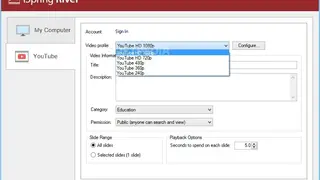
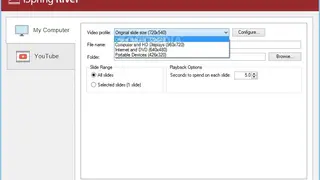
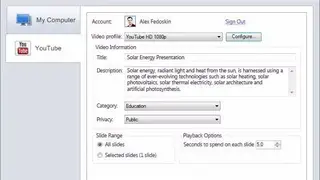
Transition effects played in the presentation will be rendered in high quality. Text objects will retain their size, bullets, position, color, style, font, and other properties, and layouts will also remain the same after conversion. The software allows you to select the desired quality and video size to match with requirements. Click on the Video profile and choose any resolution. Any video converted using iSpring River can be quickly uploaded on YouTube without having to save the video on the PC. It also gives the option to make the video accessible for devices that don’t have PowerPoint on them.