Copy Text On Screen alternatives
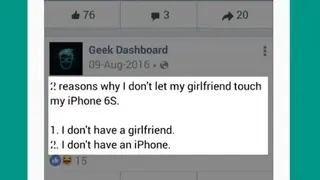
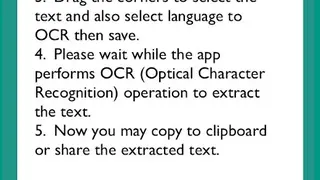
Copy Text On Screen is one of the reliable application that allows you to capture the screenshot from opened documents, file menus, web pages, presentations, flash-content or PDF files ad extract words from it in no time. It deals with various steps to perform standard OCR capture by using a box like position your mouse pointer right on the top-left corner of the text that you want to OCR, press the OCR hotkeys to begin OCR capture, move your mouse to resize the blue capture box over the text. .
Copy Text On Screen does not also work with HTML pages in browsers such Firefox, Chrome, and many others. The attractive feature of this platform includes various OCR supported languages, cross-platform, two OCR modes, screenshot, translation, hotkeys settings, and no need for any registration. In the case of auto-selection, you need to specify the text directions vertical or horizontal by using text direction hotkeys