Home Backup & Sync File Management Tool

Foldermatch alternatives
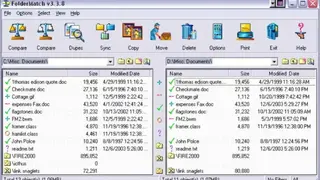
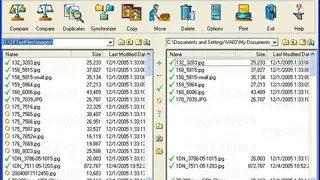
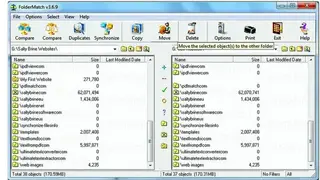
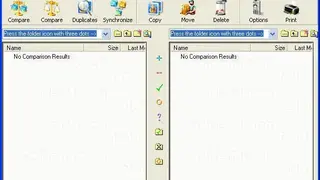
Foldermatch is a top-rated and stand-alone file and folder comparison software compatible with multiple versions of Microsoft Windows including 8, and 10. It is multilingual and supports English, Spanish, French, and more. It allows you to run a comparison of folders and files and find duplicate files at super-fast speed. The program shows the differences between the two folders in a side-by-side layout, enabling you to view the data with great ease.
By using it, you can instantly compare large folders and entire drivers. It also gives you the option to perform a comprehensive comparison of each file byte-by-byte. The comparison results can be filtered to show only the matches or differences, and it is also possible to sort the results modified date, name, size, and type. Subfolders and files can be renamed/moved/copied, or deleted by adding them to the recycle bin.
The software even has the capability to synchronize the two folders. Another great feature is that it can compare files based on their text content and will display the differences in a side-by-side layout, making it easy to the information that is unique. Text content comparisons can be performed on text files as well as various document formats such as XML, Microsoft Office, Rich Text Format, and OpenDocument files. You can configure the solution to show only the differences that are relevant while hiding those that are unimportant. Other built-in tools include an atomic clock sync utility, a bulk file renamer, and a hex content viewer.