@MAX SyncUp alternatives
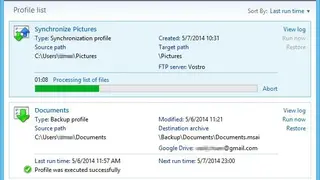
@MAX SyncUp gives you the ability to synchronize two or more folders, files and back up all the important data such as pictures, videos, audio to Google Drive. The license agreement enables you to use it for free for personal non-commercial use. It is best for securing essential files from accidental events or system crashes.
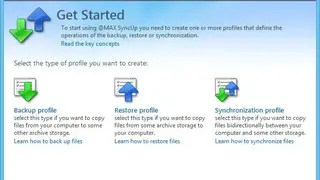
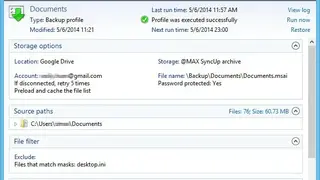
You can easily protect crucial projects and documents in no time at all by running the wizards and creating a backup profile. Backups can be saved to a local folder NAS, USB drive, or networked computer, and you also have the option to save them to an online place like Dropbox, FTP, OneDrive, SFTP, or WebDAV server.
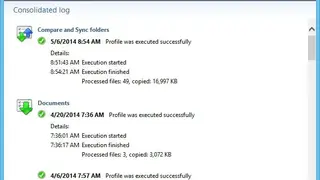
A useful feature is that an individual can restore their damaged files in an instant. Furthermore, you can hold several versions of the exact same file and restore it to the desired date with simple mouse clicks. Other core features include preview files for processing and automatically changing the designated action, and conducting bi-direction synchronization with the correct processing of any modifications, and removing obsolete files.