Home Office & Productivity Tool

MSConfig alternatives
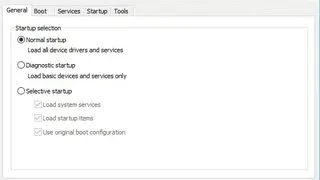
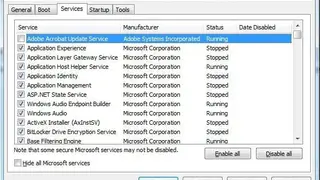
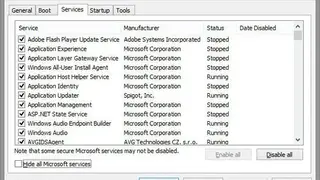
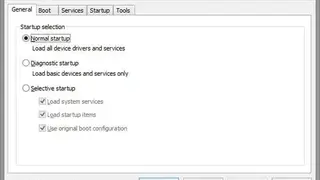
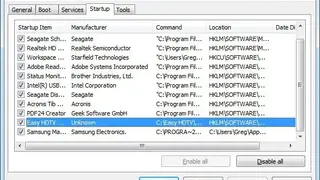
MSConfig is a utility in Microsoft Windows that provides detailed information about the various settings in the Windows startup sequence. This system utility to troubleshoot the Microsoft Windows overall startup process. Using MSConfig, you can view and modify the various settings in the Microsoft Windows startup sequence, such as which programs load during the boot process, and configure Windows services, along with associated properties.
You can use it to disable unnecessary services and startup applications that load on your computer when it starts. By disabling unnecessary services, the next time you start your computer, it will boot faster. You can also use this software to change your computer’s default settings so that they are customized for your environment.
The information that MSConfig provides can help you determine what programs run automatically during the boot process and where they run from. It displays the startup entries in the system registry. These entries are loaded each time that Windows starts and can be manipulated to disable the automatic loading of software. You can start MSConfig by using the command in a Run dialog box.