Home Office & Productivity Word
PDFill alternatives
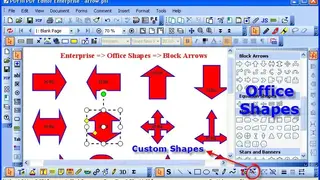
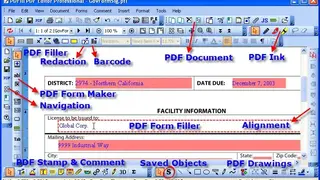
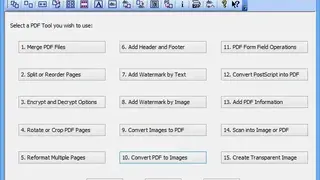
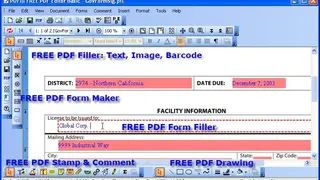
PDFill is advanced software that you can use for all your PDF-related operations like creating, filling, and editing. You can also draw, redact, type, comment, sign, and scan PDF. You can use it to merge, split, reorder, delete, encrypt, decrypt, rotate, crop, reformat PDF pages, add information/header/footer/watermark, convert image to PDF or PDF to image, scan a Paper to PDF, and more. The tool comes in three versions. The basic version includes a PDF maker, form filler, stamp, comment, and drawing maker. The other two versions are paid and have advanced features like creating shapes, alignment, PDF redaction, etc.
PDFill gives you access to an array of editing options, out of which Merge PDF Files is the one. The PDF merge feature allows you to combine two or more saved files together and send one file instead of having multiple documents. You can change the orientation, page numbers and edit the content while merging it. All in all, PDFill is a great tool for all your PDF operations.