Home Office & Productivity Word

Ultra PDF Merger alternatives
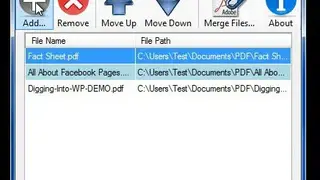
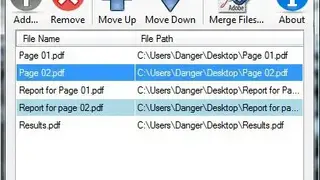
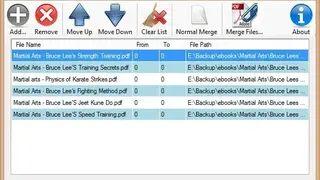
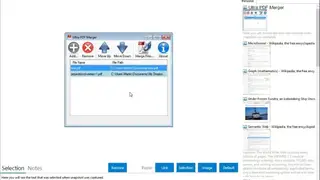
Ultra PDF Merger is a PDF tool that allows you to combine your PDF files, or part of them, together. It is an offline application, and it runs without the internet, so you can consider it if you are a regular user. PDF documents can be added to a list on the interface by dragging and dropping them or by browsing for storage. After loading your files, you need to click the Merge Files button on the toolbar, after which you have to select a destination folder in a Save As window. The merging process will take only a few seconds to complete.
The order in which you load your files is ordered as it is in the original file. Their contents will be placed in the same order in the new PDF document. Any file in the list can be moved up or down by selecting it and clicking the arrows on the toolbar. If you are not satisfied with your selection of files, you may clear the whole list with a click on a toolbar button.