Home OS & Utilities Photo & Video

PlayClaw alternatives
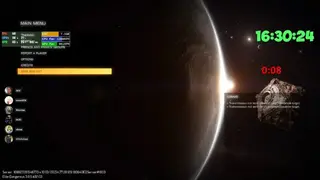
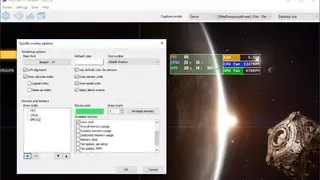
PlayClaw is a screen recording tool made specifically for gaming and recording streaming sessions. It renders helpful overlays in-game and also in your recording if needed. The tool offers a set of numerous overlays like System Information, including CPU, GPU, RAM, HDD, and other sensors usage along with the live fps reading.
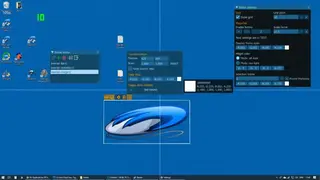
The overlays can be sorted out over the screen on a specific area or outside the screen in a separate window. Also, the chat can be displayed in the overlay with added features like Emoticons and Text-To-Speech for Discord streaming. PlayClaw offers you the ability to record absolutely anything from your desktop. It offers you lots of options to adjust the quality of your video and gives you the possibility of recording videos in background mode.
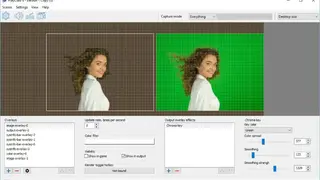
If you have a webcam, you can also add an overlay with your face showing on your desktop while playing. When it comes to editing videos, you can choose between various effects, add some cool transitions with various templates available, mute/unmute audio tracks and basically do whatever you want with your video.