Home OS & Utilities Photo & Video Tool

RecMaster Screen Recorder alternatives
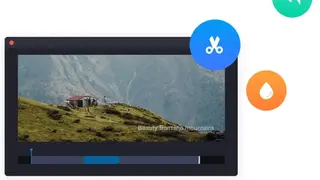
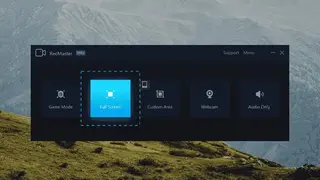
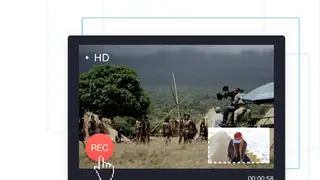
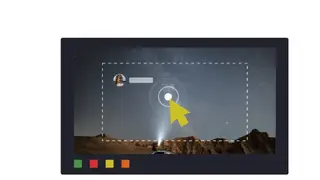
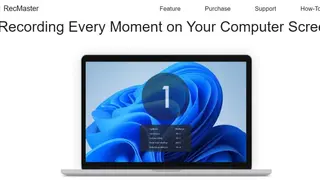
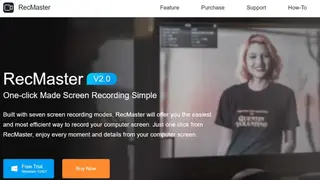
RecMaster Screen Recorder is a screen capturing tool that offers useful features for recording everything on your screen. It comes with intuitive features, like HD recording, up to 4K recording, auto-start recording, picture in picture, schedule recording, etc. You can use it to make video tutorials, record game-play, or record anything on your screen in an easier way than other programs. You just have to install RecMaster and make sure it’s in the system tray, and then launch the program from its icon. Select the display area you want to record and then press REC.
You can zoom in or out by scrolling your mouse wheel or entering a specific number in the zoom box. The recording is controlled by either pressing ENTER or ESCAPE keys or using the mouse wheel to work the pause/resume control. It can add text to images and adjust its size, position, color, and transparency freely and can resume recording on-demand or schedule recording before or after your computer is started.