Home Office & Productivity Simulation Tool

Quick Trigger Auto Clicker alternatives
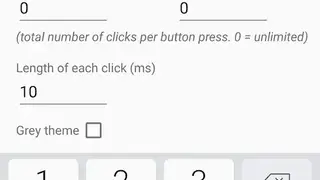
Quick Trigger Auto Clicker enables gamers to automate clicking at set times. It lets you instantly activate auto-clicking in any game by using the Volume Keys. Execute any action again and again by simply pressing the volume buttons. It saves everyone from tiring their hands by hitting an auto clicker overlay’s button. You can set the clicking speed to up to 1000 clicks per second without needing any root access or registration through a Computer.
One thing to note here is that the app is not suitable for games that require you to use one finger on the screen to control movement, which is common for shooter games. It comes with a floating control panel that makes it easy to adjust volume button settings for a game. Add click cursor widgets to the games’ on-screen keys, and once that’s done, you can execute the game button by merely pressing the volume button, based on the specified frequency. The app makes use of the device’s accessibility services to detect the pressing of volume buttons so that it can accurately fulfill the touch gestures for the end-user.