Home OS & Utilities Photos & Graphics

Screengrab! alternatives
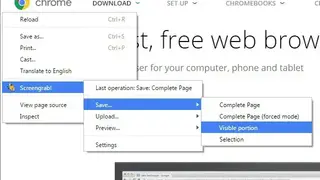
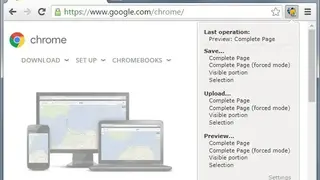
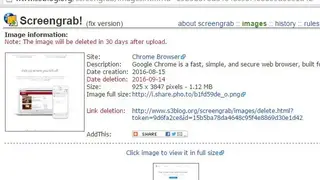
Screengrab! is a screenshot-taking web extension that can capture the complete page or the part that currently fits the screen. It also allows the users to configure the screenshot themselves by using the cropping tool. To use this, you just have to click right on the page you want to save, select ‘Screengrab’ from the menu and then select one of the aforementioned options.
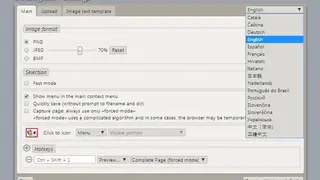
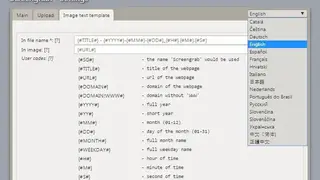
You can also use keyboard shortcuts which can be changed. Lastly, even the image and file’s text such as the title and file name, etc. can be changed. Some of its core features include the ability to upload on the internet, dynamic sharing options, support for different languages, configuration options, preview mode, default operations, compatibility with different file formats, add-to-clipboard function, and much more.