Home OS & Utilities Photos & Graphics

ScreenTray alternatives
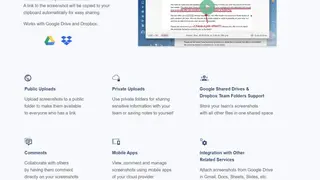
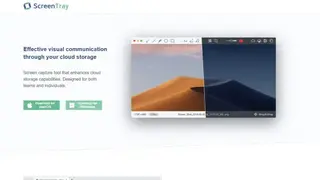
ScreenTray is a screen capturing tool that can take images of the complete page or the part currently visible on the screen. It also gives you the option to crop the screen yourself, vertically and horizontally, providing maximum flexibility. Users can edit images by adding colors or annotate them by adding texts, shapes, circles, rectangles, arrows, highlights, blurs, and much more. These screenshots can be uploaded to your cloud with a single click. But you can use keyboard shortcuts here as well.
It is compatible with both Dropbox and Google Drive with options to upload publicly or privately. Some of its noticeable features include a Resolution display, watermark support, drag, and drop function, ability to add a logo, view from the smartphone via cloud service, integrations with email, docs, and slide software, automatic link copy to clipboard, and sharing options.