Home OS & Utilities System & Hardware
Sidebar Diagnostics alternatives
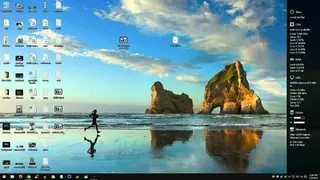
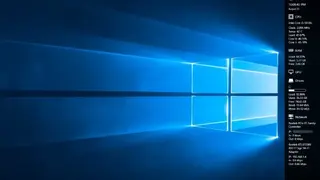
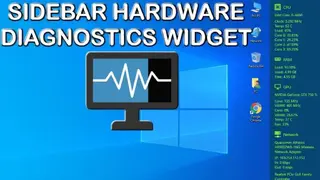
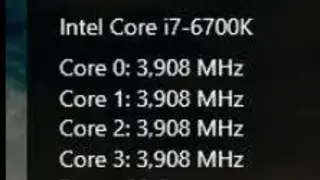
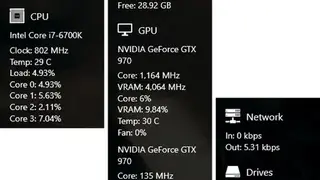
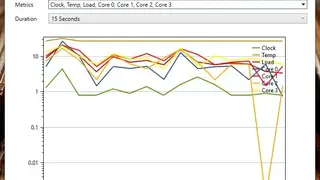
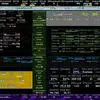
Sidebar Diagnostics is a tool used to display the complete information about the system and hardware, including GPU, RAM, ROM, Load, etc. The best part is all this detailed information is visualized in the sidebar. This tool does not require any installation process, as all you need is to execute a file, and the bar will instantly appear on your display.
From here on, you need to set up its configuration regarding the bar display, position, and other settings for system diagnostics. Usually, the bar will appear on the right side as default, but if you want to change its position according to your ease, you can place it over the display’s left or top. Plus, you can also hide it and then interact with it anytime from the app tray because it will continuously run in the background to keep monitoring for issues and errors.