Text to Speech and Speech to Text Pro alternatives
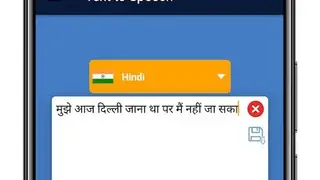
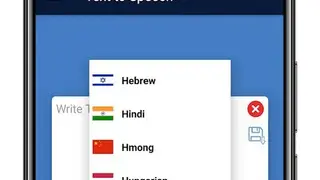
Text to Speech and Speech to Text Pro app contains features through which you can select the intensity of the pitch of the voice of the narrator, volume, and the number of words spoken in a minute to listen to the audio version of the copied text. Users can change the language of the text to a speech engine and can paste the text on the screen from various sources.
You can tap on the reset icon to change the speed and the volume of the voice to the default values. The app enables users to save the selected text and audio to a separate folder to listen to it later, as well as to share the file with their colleagues through email.
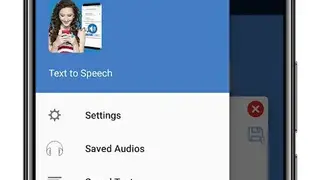
Text to Speech and Speech to Text Pro app provides a straightforward interface that contains a side panel to help you in accessing the settings, saved audio, saved text, information, and sharing sections by simply tapping on buttons.